
A grid across your area
Not one position, but how you rank at every point around you, with your average rank, visibility, top-three and not-found points.

Features
Industries
Pricing Learn Meet Donna Book a free demo Case studies Automation Allies FAQGet seen
Your position on Google Maps changes from street to street. Every month we search for your main phrase from 25 points around you, just as a nearby customer would, and colour each one by where you appear. Spot your strongholds, see which rivals take the rest, and get clear next steps.
Feature spotlight · 1:27
A monthly map scan shows where you rank across your area, who’s ahead in each spot, and how you measure up to local rivals.
See every spotlight →What you get
Not one position, but how you rank at every point around you, with your average rank, visibility, top-three and not-found points.
Tap any point on the map to see exactly which businesses show above you there.
Every monthly scan is saved, so you can see your map improve month by month.
Compare ratings, total and monthly reviews, reply rates, sentiment and AI visibility side by side, or go head-to-head with a single rival.
Georgeo explains your map in plain English and suggests next steps, such as new reviews that name your neighbourhood.
How it works
Choose your main search
We scan the map around you
Watch the grid improve month by month
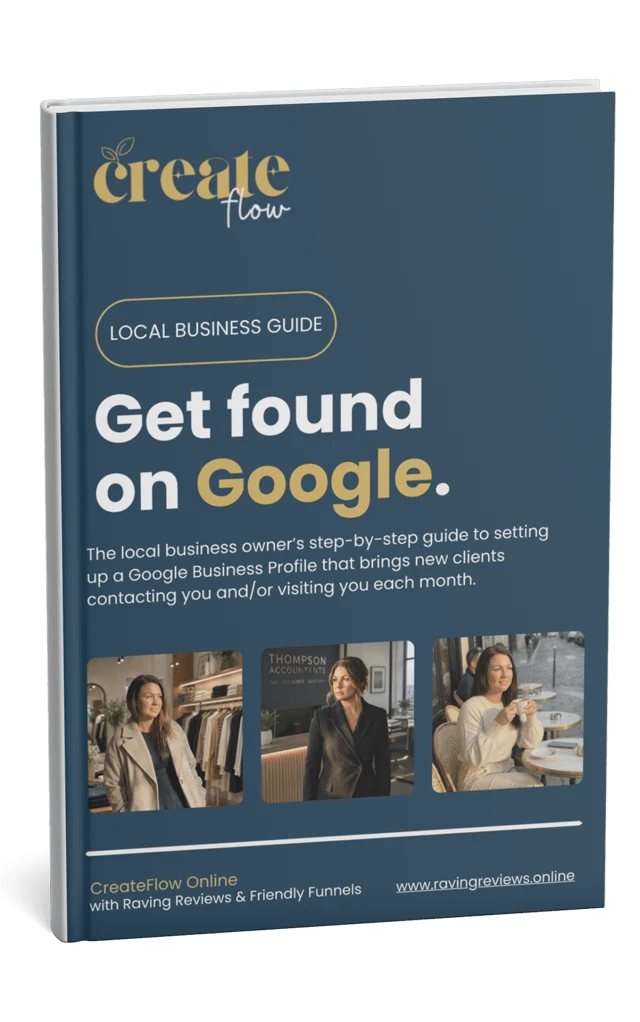
Free guide
Get found on Google.
The step-by-step guide to setting up a Google Business Profile that brings new clients contacting and visiting you each month.
Check your inbox.
Your guide is on its way. If it isn’t there in a few minutes, have a look in your spam or promotions folder.
Preview only: on the live site this sends the guide from Systeme.
For your industry
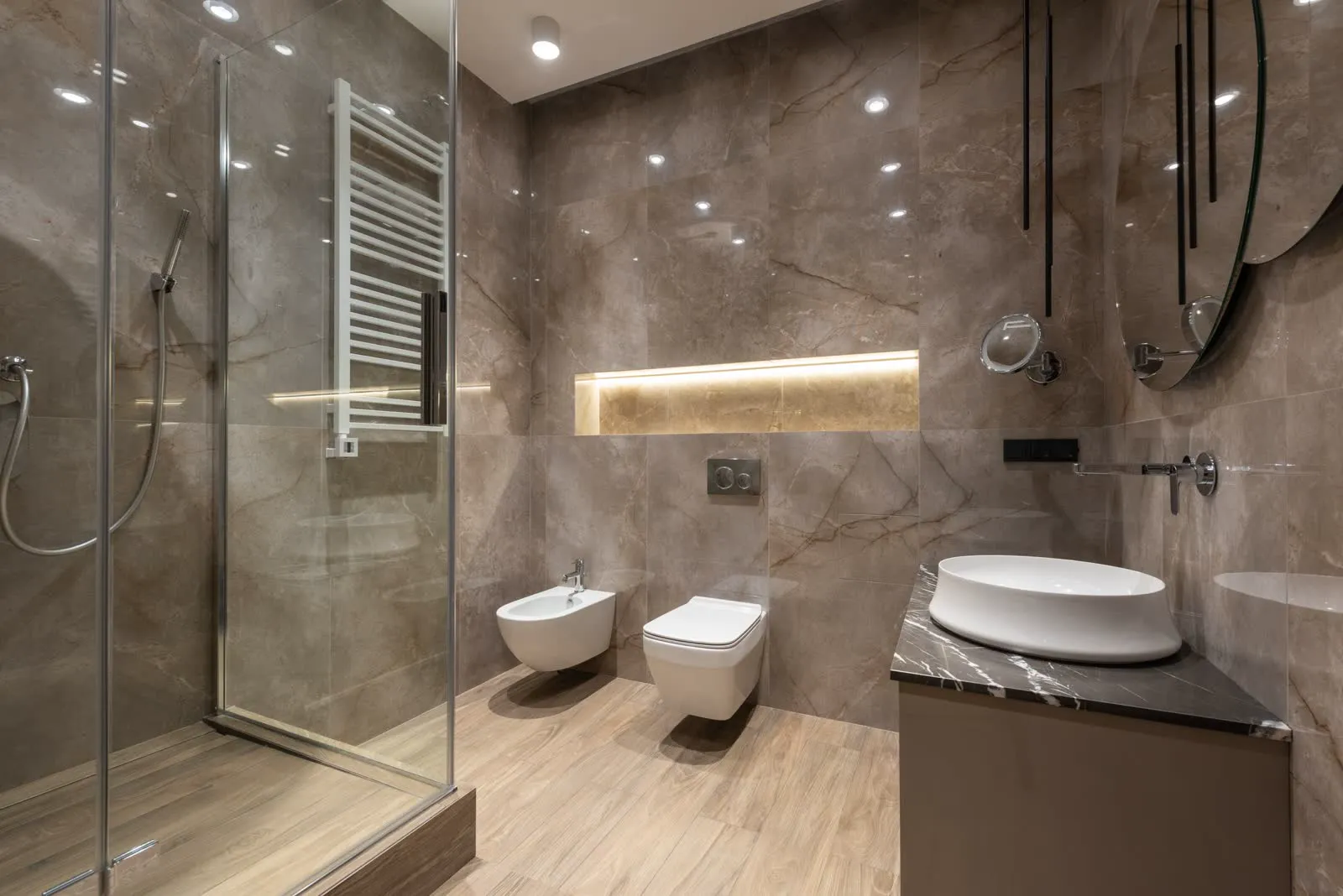
Trades & home services
See where you show for “roof repair near me” across your whole patch.
“Came out the same day and fixed the leak. Spotless work.”
Mark, about Hartfield & Wren · illustrative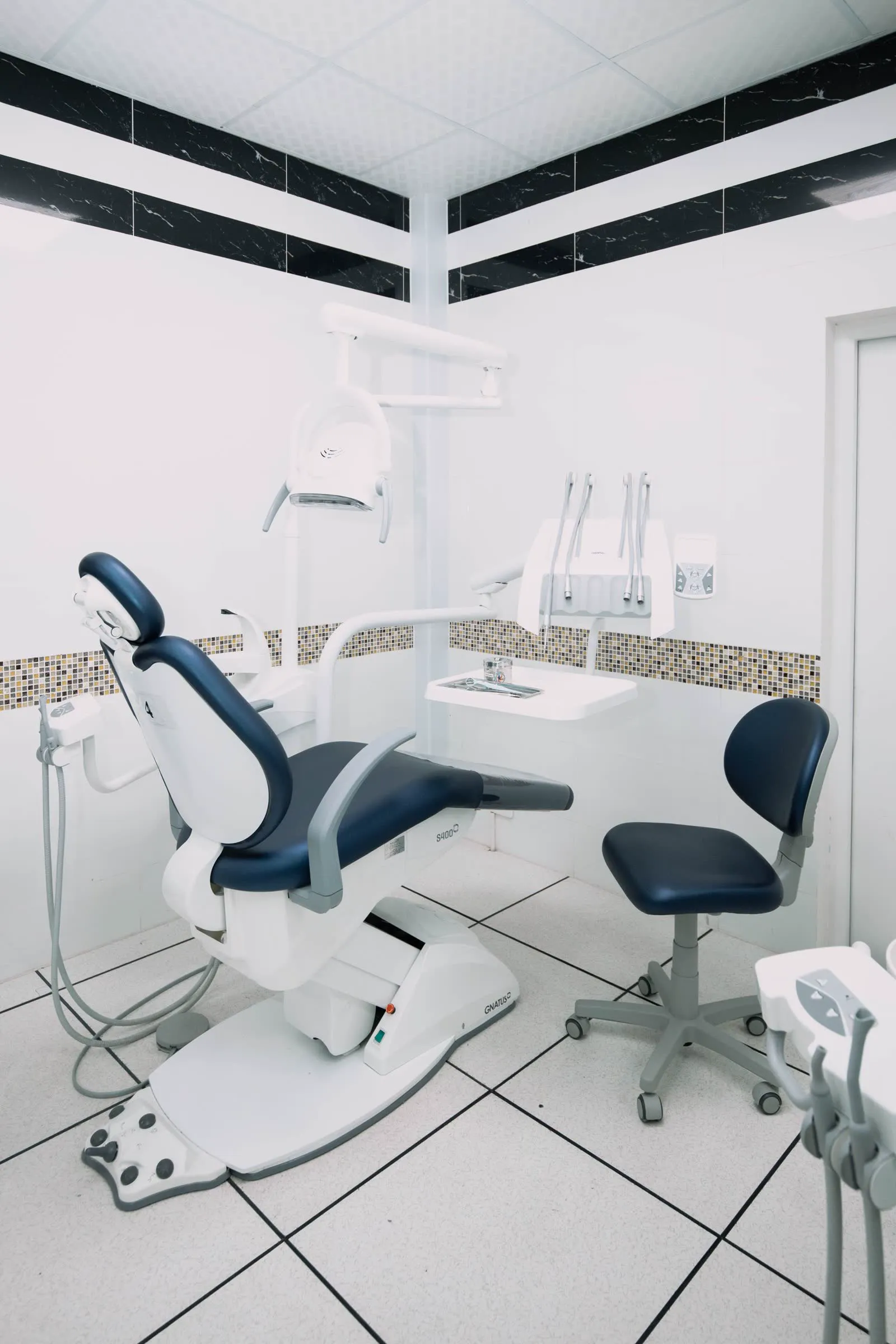
Dental practices
See where you show for “family dentist near me” across your catchment.
“I was dreading it, but the whole team was so kind and patient.”
Emma, about Fernleigh Dental · illustrativeIncluded in
Compare plans, switch between pounds and dollars, and save two months with annual billing.
Works well with
Edit your hours, holiday hours, description, photos, posts and news in one spot and send them to Google, with a performance dashboard and a local maps ranking tracker.
Foundation Get chosen
Georgeo, your GEO ally, diligently and intelligently curates what’s unique to you, then generates and publishes SEO & GEO blogs custom to your business, not just your industry, so Google, ChatGPT, Gemini and Perplexity have good reasons to recommend you.
Expansion Get chosenOne visibility dashboard pulls in over 200 review platforms, and a clear monthly report is ready at the start of each month: new reviews, your rating, rankings and what’s working.
All plansNo ethical provider can guarantee a ranking. We help you build the signals that contribute to visibility, and show you the progress.
Monthly, on the 1st. We repeat the same search from identical points, so every month is a fair comparison. It isn’t live, day-by-day tracking.
No. It measures where you stand and shows you what to do next. Fresh reviews, replies and an active Google profile are what help you climb.
Get a free visibility audit, ready within 10–24 hours, or try Automation free for 14 days. Cancel or switch plan anytime.
Your privacy
We use essential cookies to make this site work. With your permission we’d also like to use analytics cookies to understand how it’s used, and marketing cookies to measure our adverts. Cookie policy