
Edit once, update Google
Change your hours, holiday hours or description in one place.

Features
Industries
Pricing Learn Meet Donna Book a free demo Case studies Automation Allies FAQGet seen
When Google shows the wrong hours, you can lose a customer before they’ve even called. Change your opening times, holiday hours, services, products, categories and description from a single screen, see a before-and-after of every edit, then send it to Google. Afterwards, track the calls, directions and website visits your profile is earning.
Feature spotlight · 1:52
Hours, holiday hours, services and links in one place, sent to Google and kept in step. Plus done-for-you claiming, optimisation and appeals.
See every spotlight →What you get
Change your hours, holiday hours or description in one place.
Keep your profile active, which helps your Maps ranking.
See how your profile is doing at a glance.
See where you appear on the map across your area.
How it works
Connect your Google profile
Update it from one simple portal
Track your Maps ranking
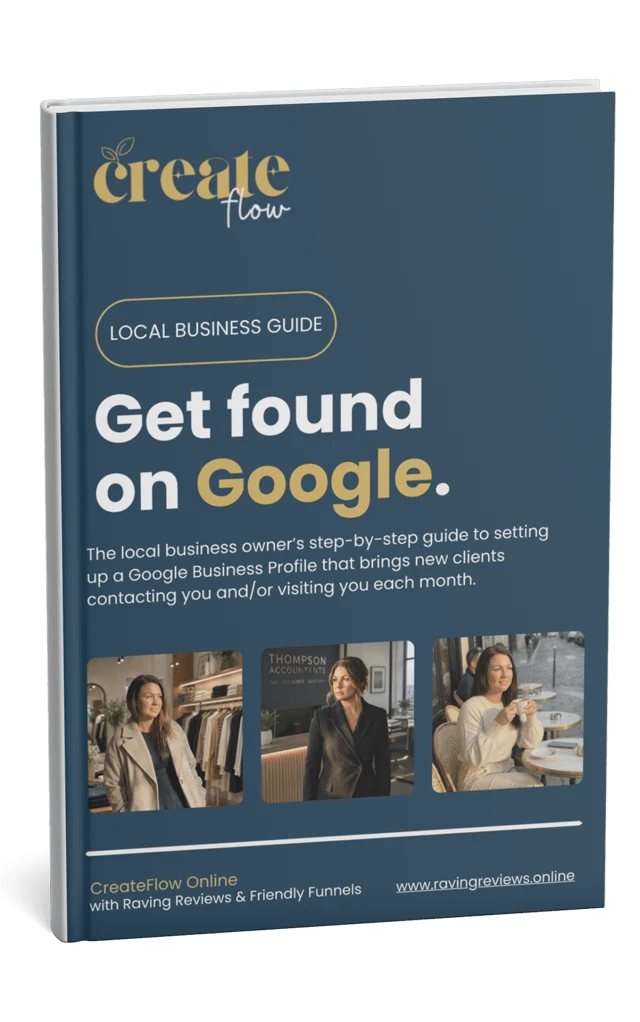
Free guide
Get found on Google.
The step-by-step guide to setting up a Google Business Profile that brings new clients contacting and visiting you each month.
Check your inbox.
Your guide is on its way. If it isn’t there in a few minutes, have a look in your spam or promotions folder.
Preview only: on the live site this sends the guide from Systeme.
For your industry

Local shops & boutiques
Change your hours, holiday hours and description from one screen and send them to Google.
“Mum’s birthday bouquet was stunning, and beautifully wrapped.”
Priya, about Bloom & Stem · illustrativeIncluded in
Compare plans, switch between pounds and dollars, and save two months with annual billing.
Works well with
Every month we check your main search from points spread across your area, just as a local customer would, so you see where you rank, who’s ahead and how to climb.
Automation Get seen
Ranko, your SEO ally, answers each Google review properly and personally, picking up on the customer’s own words and weaving in what you’d like to be found for.
Automation Get seenA fast website made from your Google profile, in your brand and at your own address, kept fresh by your Automation Allies with new reviews, blogs, posts and Google updates.
AutomationNo. You still own it. The portal just makes it easier to keep up to date.
Yes. As an additional, done-for-you service we claim it, set it up and fully optimise it, including any verification or appeals with Google, for both service-area businesses and bricks-and-mortar premises. It’s priced by category and complexity, so book a free chat for a quote.
You’ll see a before-and-after of every edit first, and Google only receives what changed. We check your listing hourly, so your Raving Reviews website and review page always match it.
No. You sign in to Google yourself and pick your listing, and you can take that access away whenever you like.
Yes, as an additional done-for-you service for service-area and bricks-and-mortar businesses, including verification and appeals. It’s priced by category and complexity.
Get a free visibility audit, ready within 10–24 hours, or try Automation free for 14 days. Cancel or switch plan anytime.
Your privacy
We use essential cookies to make this site work. With your permission we’d also like to use analytics cookies to understand how it’s used, and marketing cookies to measure our adverts. Cookie policy