Your brand on every invoice
Your brand kit supplies the logo, fonts and colours, and VAT, totals and bank details are filled in for you.

Features
Industries
Pricing Learn Meet Donna Book a free demo Case studies Automation Allies FAQGet chosen
Create a polished invoice in your brand’s fonts, colours and logo, list the work and prices, then text or email it to your customer in about a minute. Customers see your bank details right there, you can spot paid and overdue invoices instantly, and each customer you bill joins your contact list, so a review invitation can follow whenever you like.
Feature spotlight · 1:35
Branded invoices made and sent in a minute, and every customer you bill is lined up for a review invitation.
See every spotlight →What you get
Your brand kit supplies the logo, fonts and colours, and VAT, totals and bank details are filled in for you.
Send by text or email for customers to open online, or download as a PDF or Word document.
Drafted, sent, overdue and paid at a glance, and carry on from your last invoice number.
Each customer you bill joins your contact list, so a review invitation and friendly reminders can follow.
Reviews appear on Google, your website and socials, and on Checkatrade, Trustpilot, Tripadvisor and Facebook. Then Ranko replies, Shareo shares and Georgeo blogs.
How it works
Create a branded invoice
Send it by email or text
A review request follows
For your industry
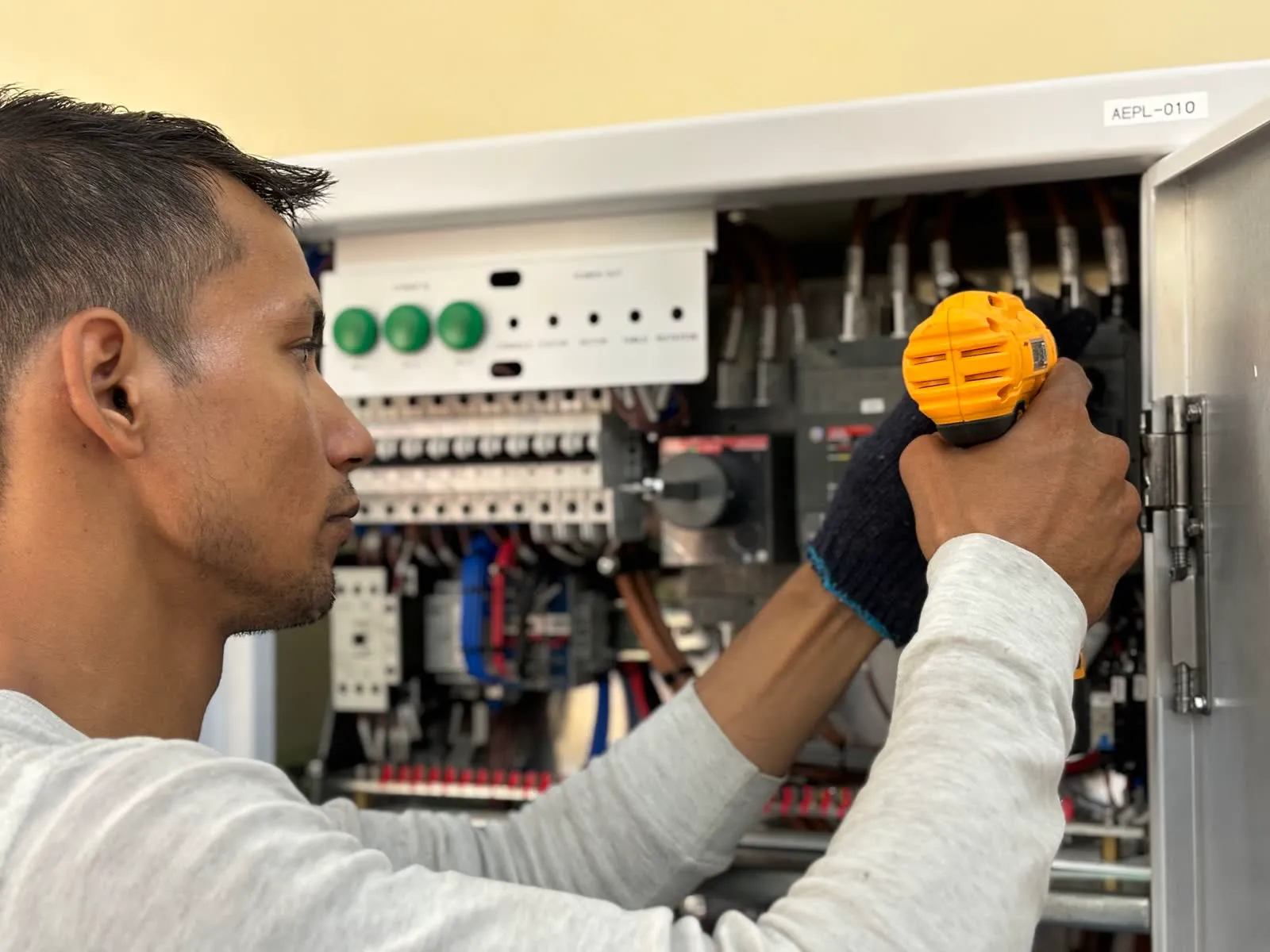
Trades & home services
Your customers love your work and tell their neighbours, but hardly any leave a review. We turn finished jobs into reviews, rankings and new enquiries, automatically.
“Came out the same day and fixed the leak. Spotless work.”
Mark, about Hartfield & Wren · illustrative
Local shops & boutiques
Your regulars love you. They chat at the till and come back every week, but hardly any leave a review. We make reviews effortless and bring new customers to your door.
“Mum’s birthday bouquet was stunning, and beautifully wrapped.”
Priya, about Bloom & Stem · illustrative
Cafés, restaurants & pubs
Your guests love you. They tell your team, they tell their friends, but hardly any leave a review. We make leaving one effortless, at the moment guests are happiest.
“Best flat white in town, and they always remember my order.”
Olivia, about The Copper Kettle · illustrative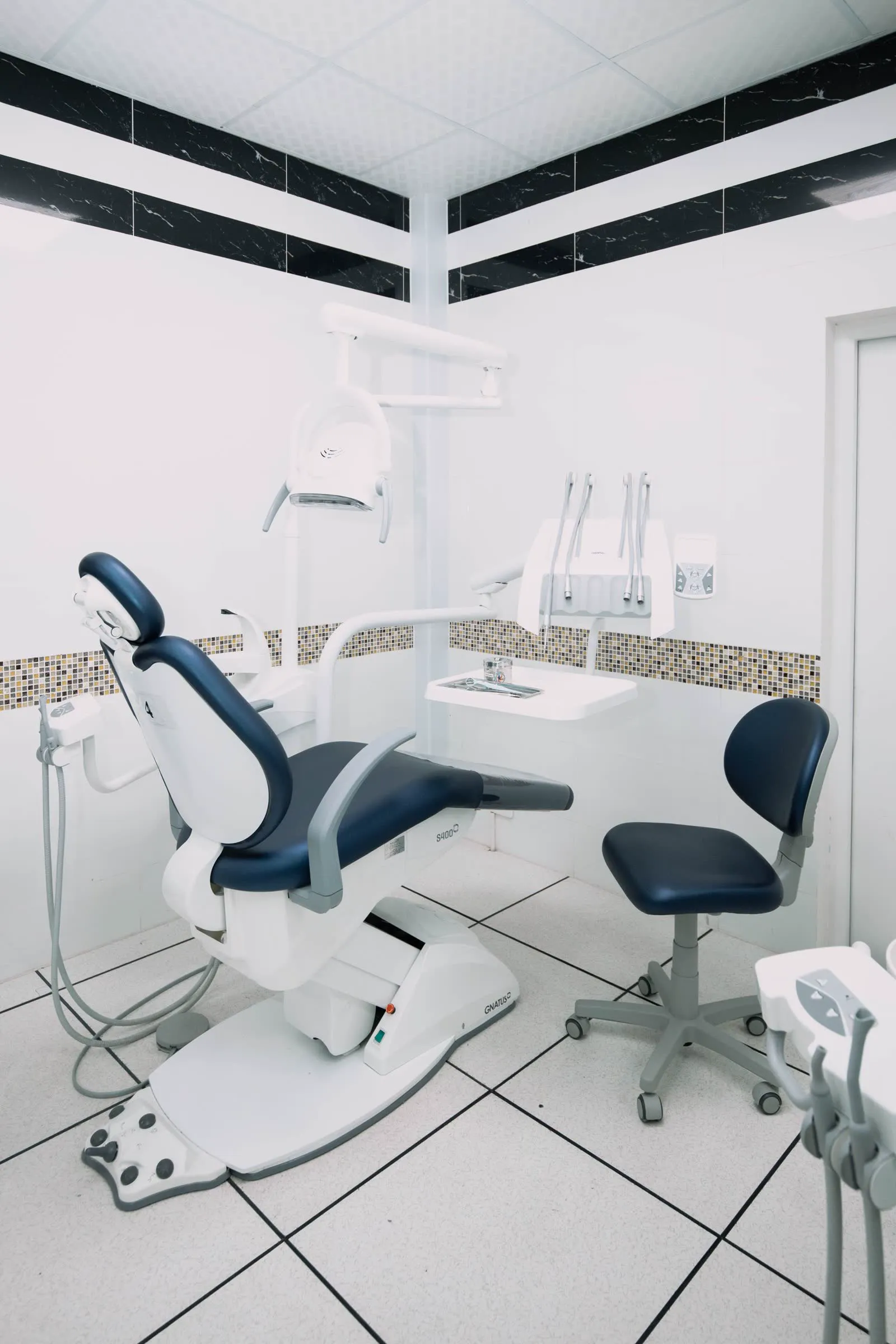
Dental practices
Patients trust practices that other patients trust. We help you collect and answer reviews carefully, show up for local searches, and stay visible in AI search.
“I was dreading it, but the whole team was so kind and patient.”
Emma, about Fernleigh Dental · illustrative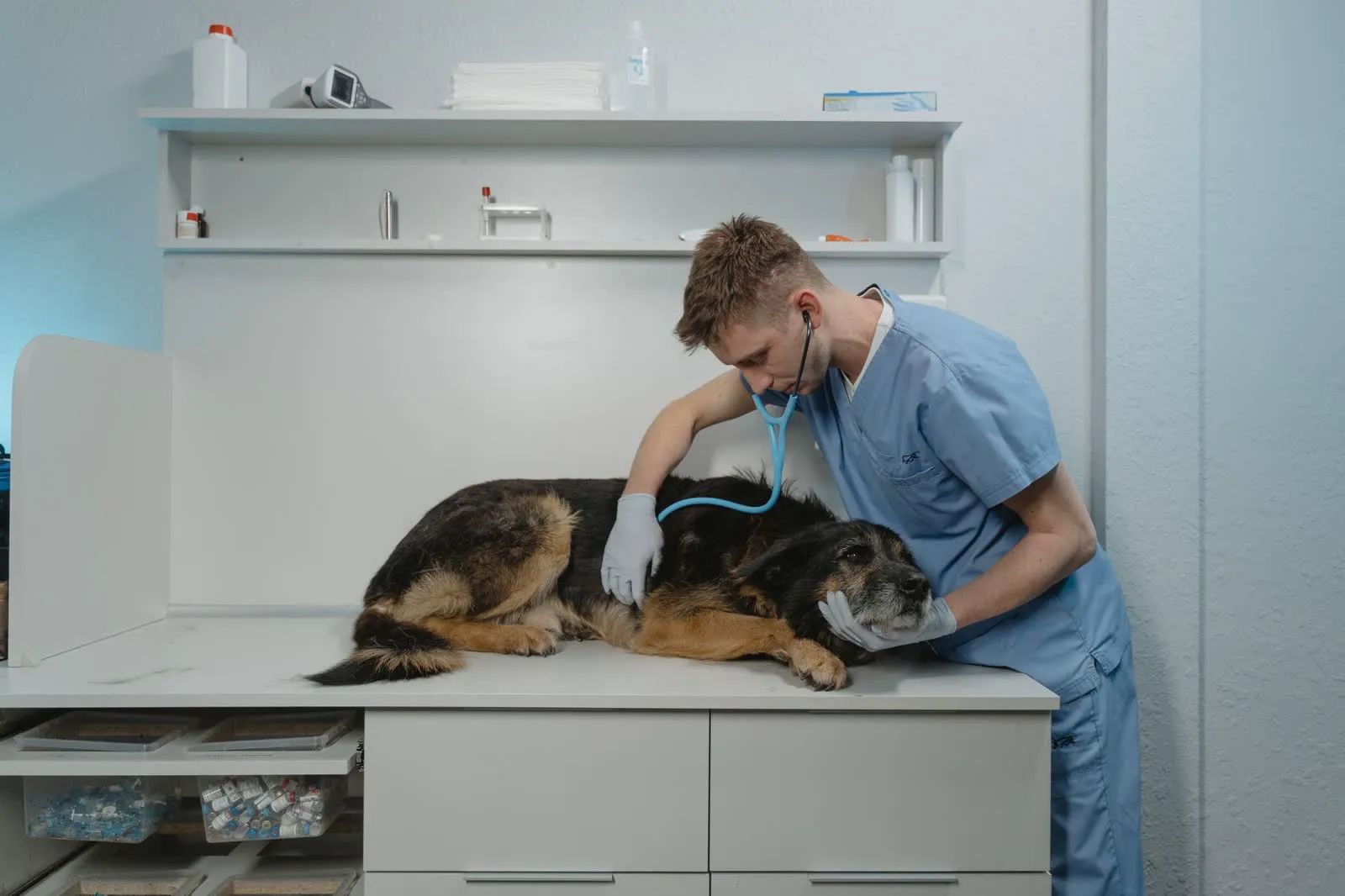
Veterinary practices
Pet owners want to know their animals are in kind hands. We help you collect and answer reviews carefully and show up when local owners search.
“So gentle with Biscuit. She wasn’t nervous for a second.”
Sarah, about Oakwood Vets · illustrative
Beauty, hair & wellbeing
Clients leave feeling amazing, and tell their friends, but rarely leave a review. We turn every great appointment into reviews, posts and regulars.
“She listened to exactly what I wanted. Best cut I’ve had in years!”
Amara, about Willow & Rose · illustrativeIncluded in
Compare plans, switch between pounds and dollars, and save two months with annual billing.
Works well with
Every new customer can be invited to review automatically, with friendly messages and polite reminders that end once they’ve reviewed, while your Automation Allies run everything else on schedule.
Automation Get chosenWebsite enquiries arrive in one inbox, attachments and all, and are emailed to you too. Direct Feedback comes straight to you, and every customer joins one tidy contact list.
Foundation Get trustedYour magic review link, QR codes and NFC tap cards make leaving a review effortless, in person or in an email you send.
FoundationYes. Set the next number so it carries on from your last invoice.
Not yet. Your bank details are printed on it, and customers transfer the money directly.
Yes. Saving updates the link your customer already has, while your business and bank details stay as they were when you sent it.
Get a free visibility audit, ready within 10–24 hours, or try Automation free for 14 days. Cancel or switch plan anytime.
Your privacy
We use essential cookies to make this site work. With your permission we’d also like to use analytics cookies to understand how it’s used, and marketing cookies to measure our adverts. Cookie policy